
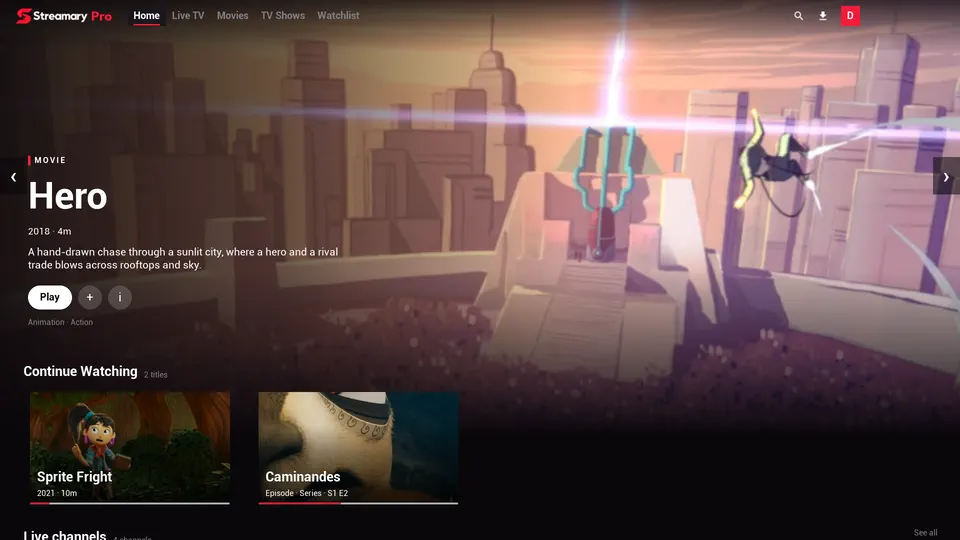
IPTV playlist player
Your IPTV playlist, streaming-service style.
Streamary arranges the playlist you already subscribe to into rows of movies, shows and live channels, with posters, plots and Continue Watching. On your TV, phone and computer.
You need your own IPTV playlist (M3U or Xtream). Streamary doesn't sell or provide any content.
How it works
Add your playlist once. Then just watch.
Add your List
Paste the M3U or Xtream address your provider sent you. Your username and password stay on your device.
Let it import
Big playlists take a few minutes. Progress is always on screen, and you can leave and come back without losing anything.
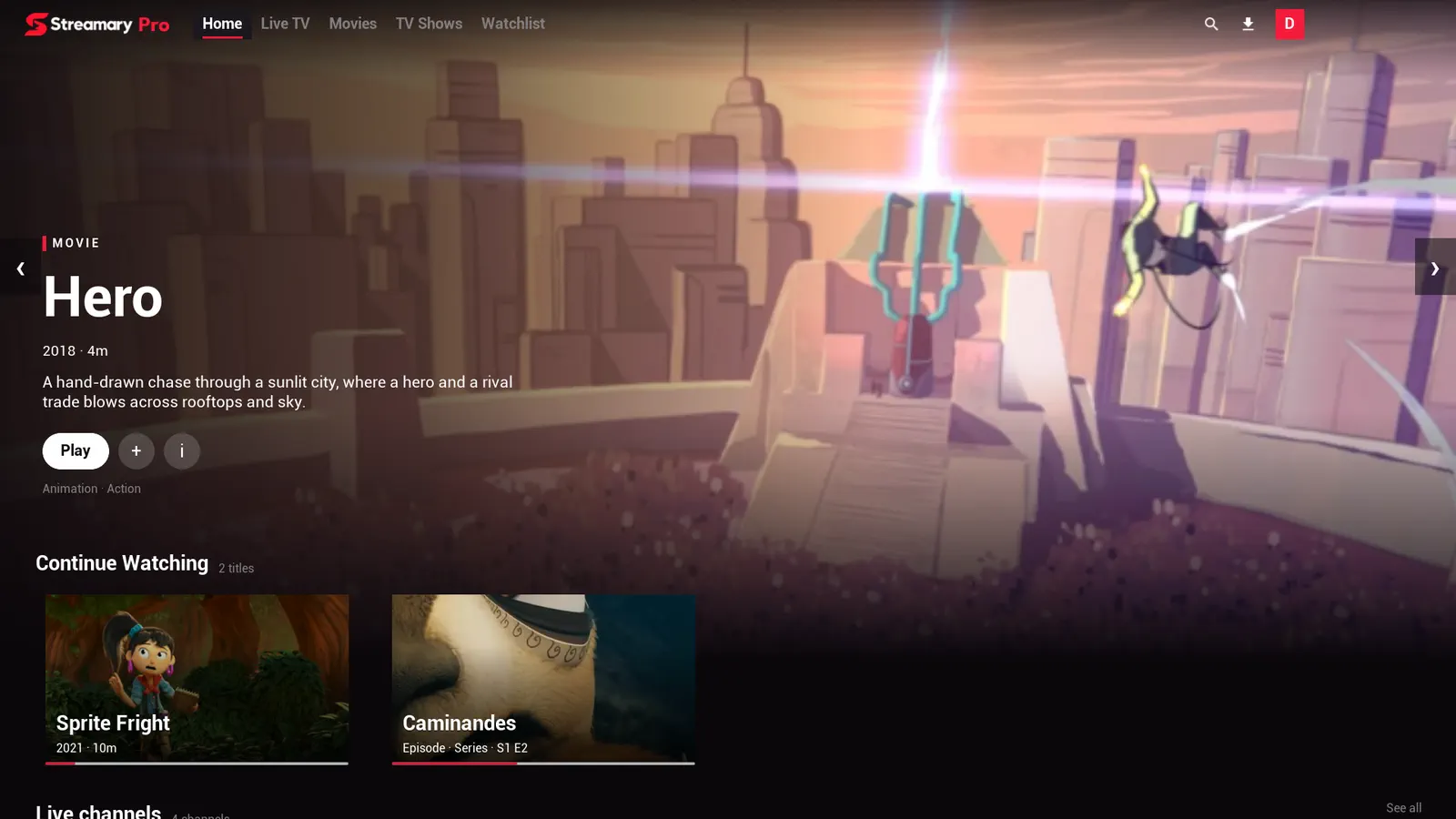
Browse like a streaming service
Movies, shows and channels in rows, with posters, plots and details when a title is recognised.
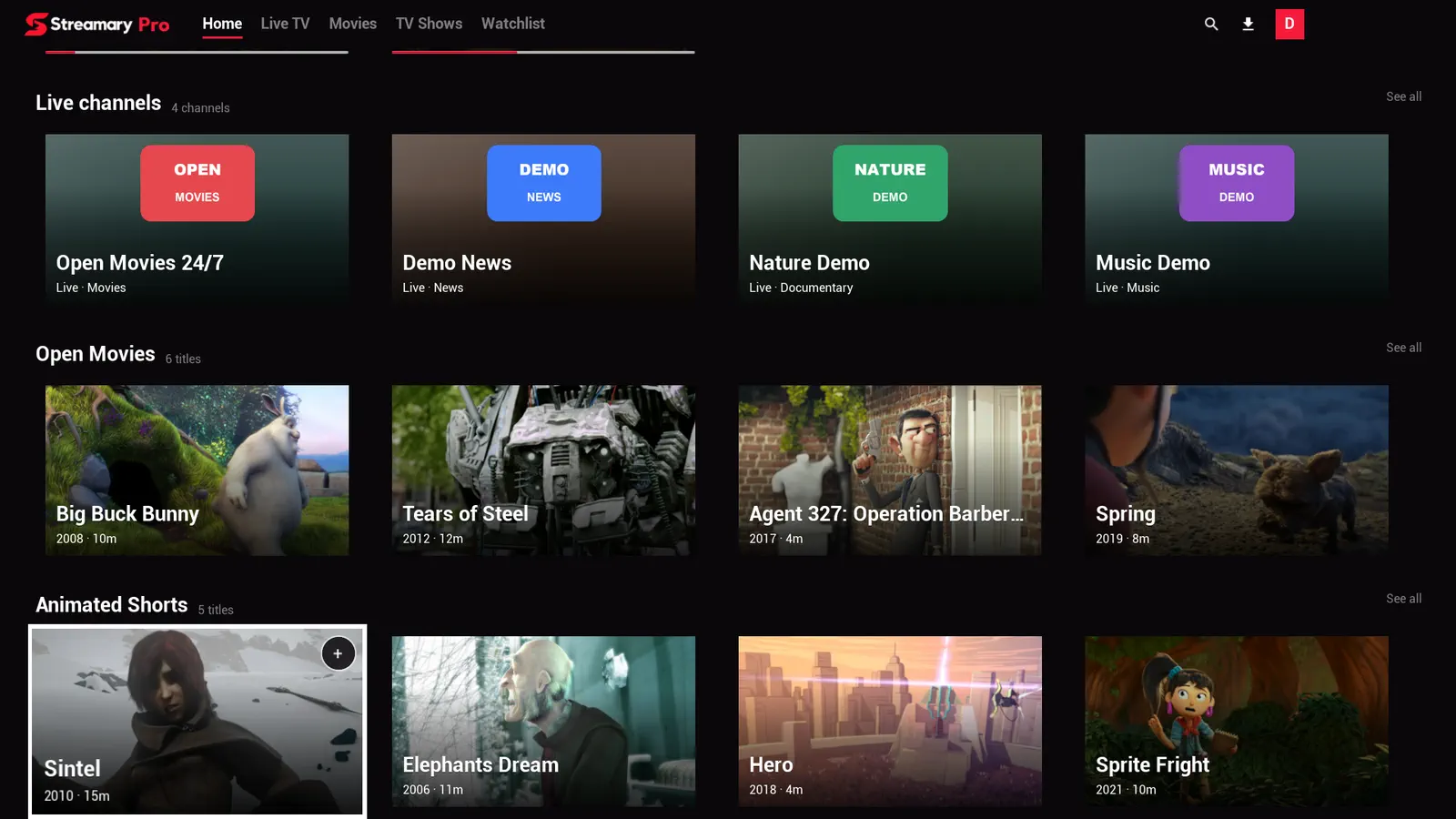
Browsing
Everything in rows, the way you already know.
Instead of an endless channel list, Streamary builds shelves from what your playlist offers.
- Movies, shows and live channels kept apart
- Continue Watching from where you stopped
- Your Watchlist, always close
Details
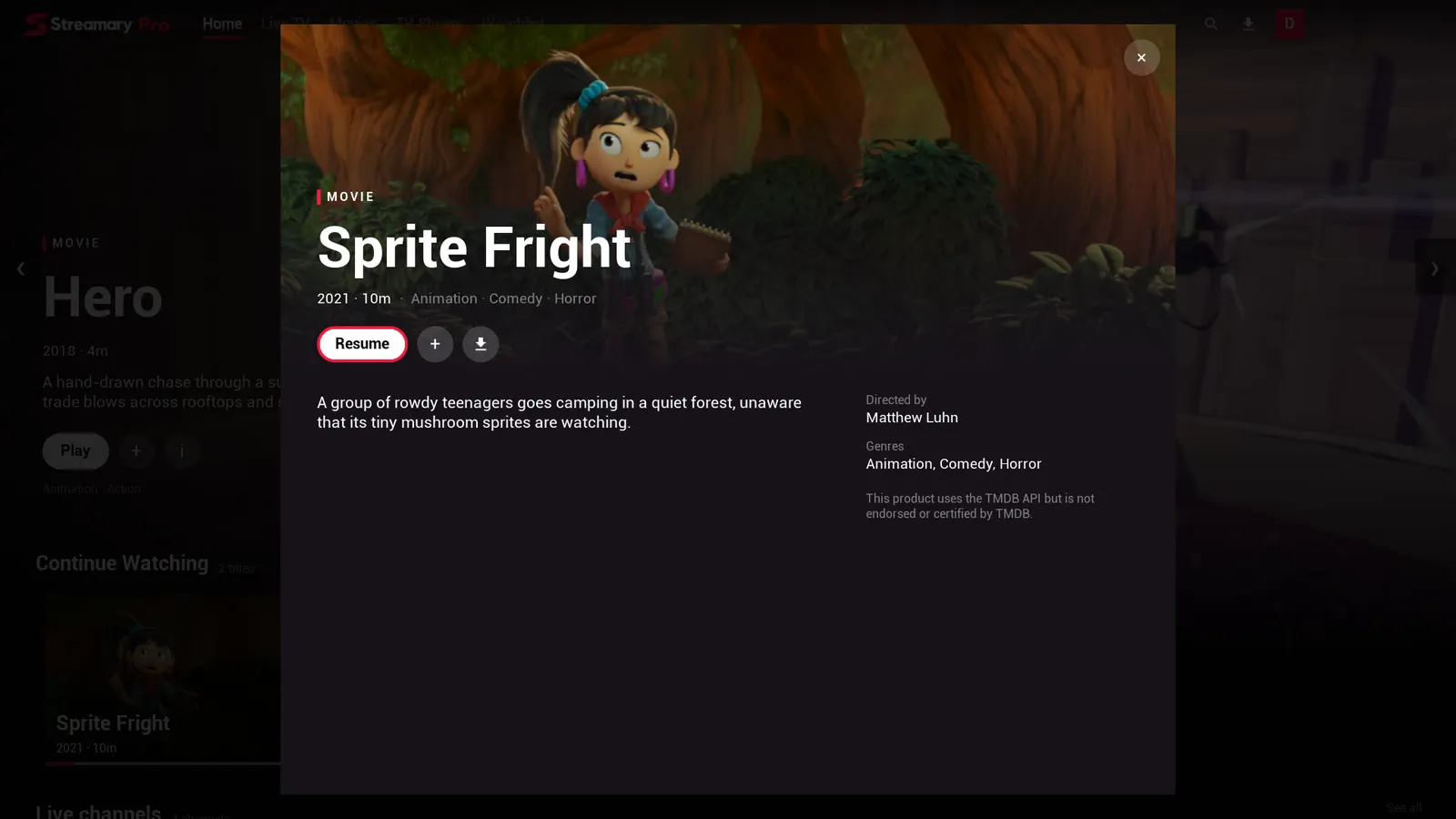
Posters, plots and who made each film.
When a title is recognised, Streamary fills in what your playlist doesn't carry.
- Plot, year, running time and genres
- Director and cast
- Resume, save for later or download
Player
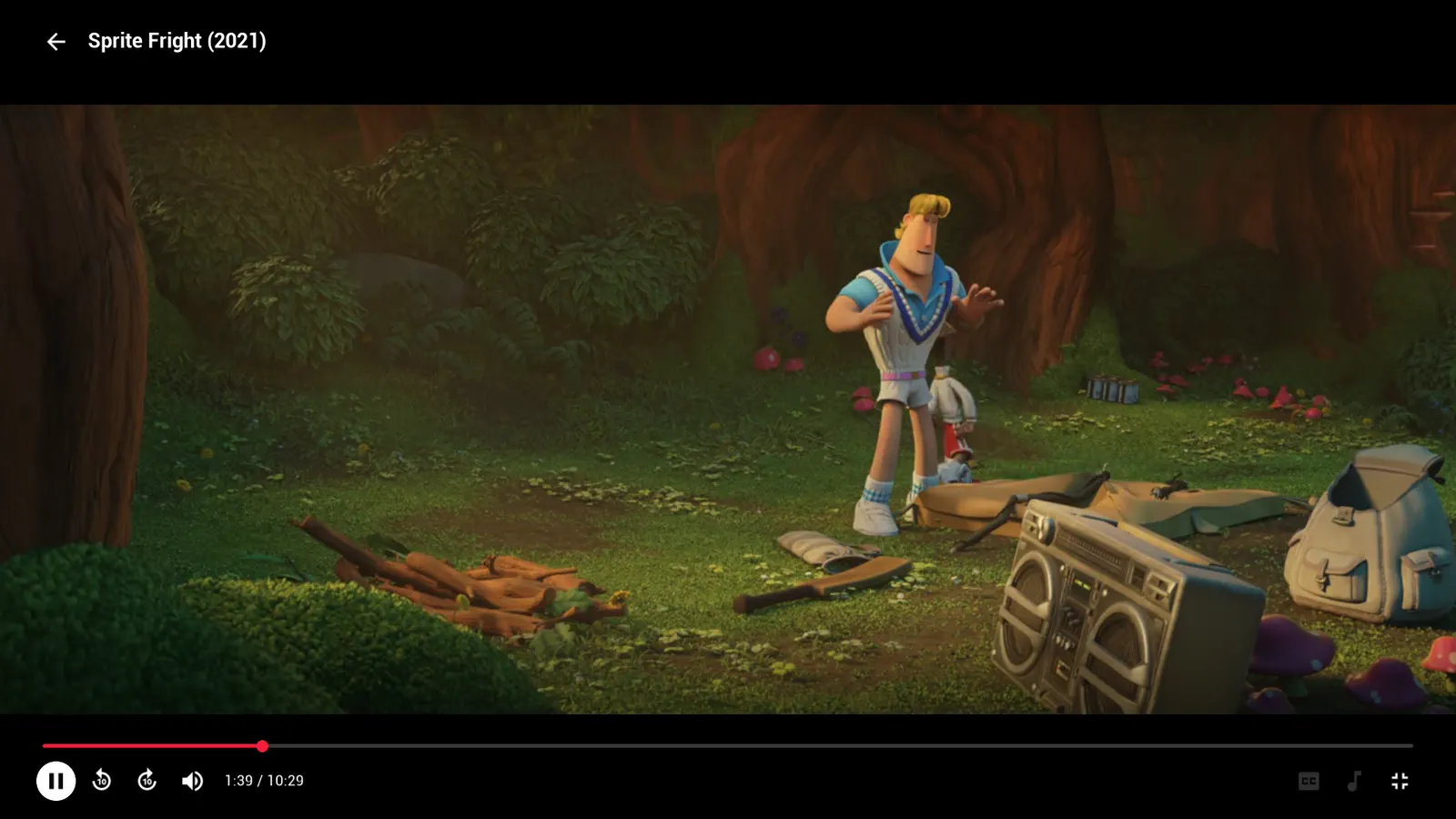
A player made for watching, not for settings.
Open a movie and watch. Controls appear when you need them and fade away when you don't.
- Audio and subtitle tracks, when your playlist has them
- Skip back and forward 10 seconds
- No ads during a video, ever
TV
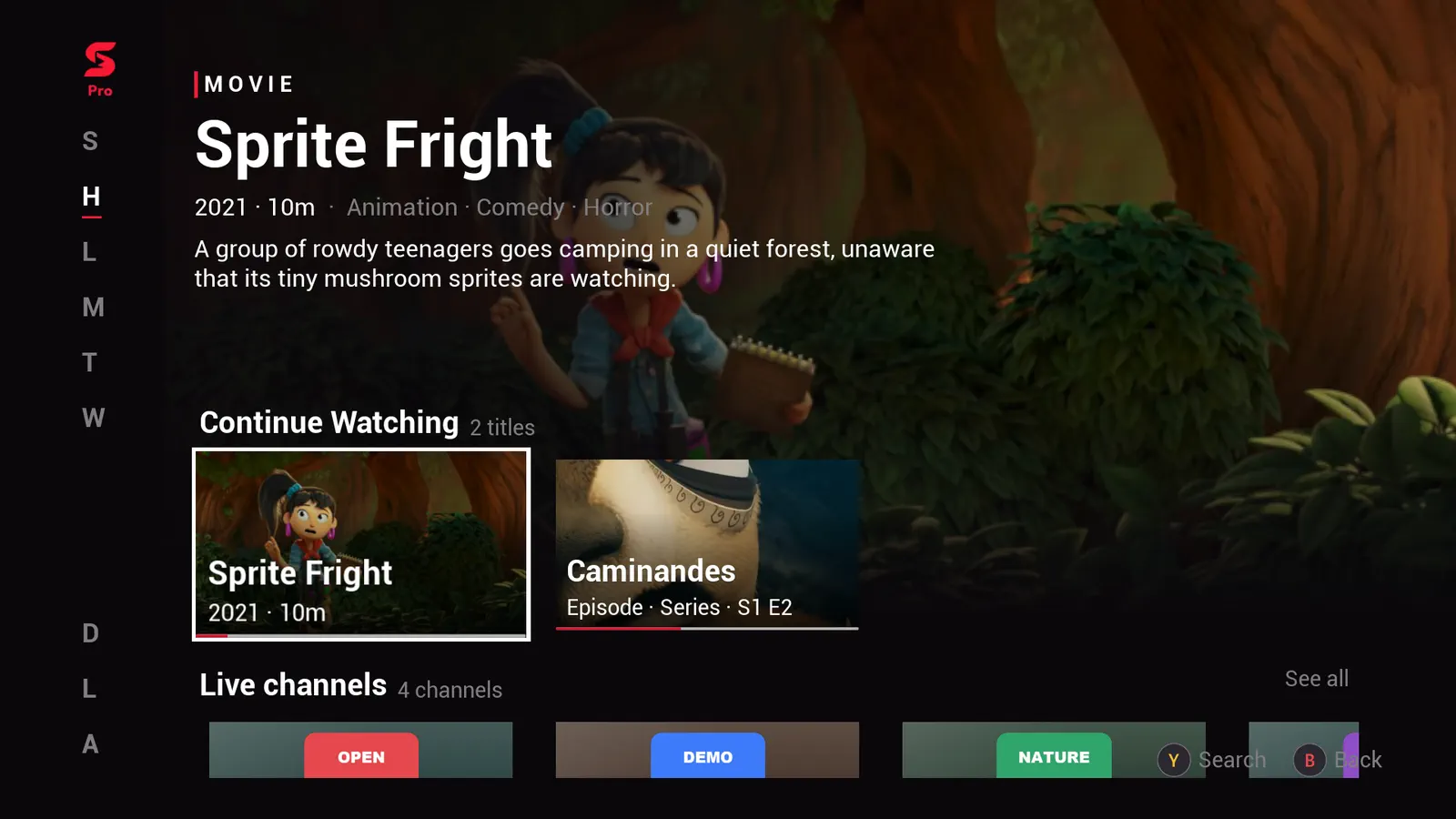
Made for the couch and the remote.
On TV, everything works with the D-pad, with a large focus you can see from across the room.
- Android TV and TV boxes
- Remote control or game controller
- A side menu that stays out of the picture
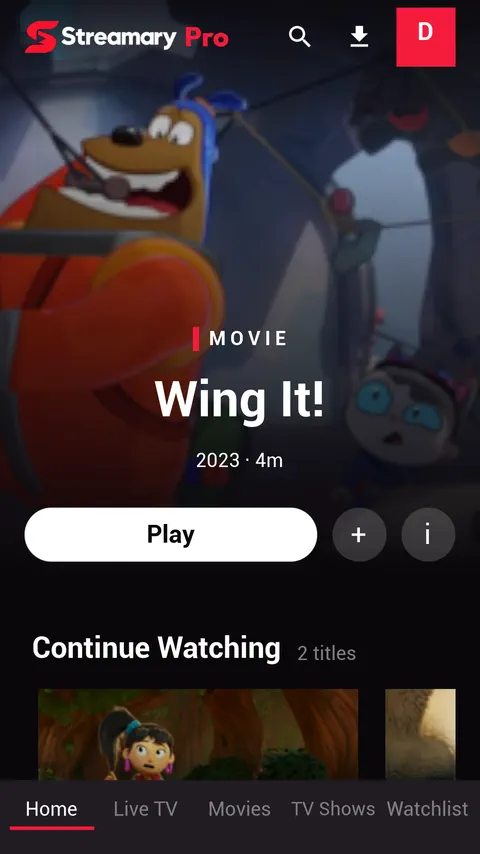
Phone and tablet
The same experience, in the palm of your hand.
On phones, navigation sits at the bottom within reach of your thumb, and every screen is made for touch.
- Shows with seasons and episodes
- Fast search across the whole playlist
- Downloads to watch offline (Pro)

Features
The details that make the difference.
Shows, organised
Loose episodes in your playlist become shows with seasons, based on the names your provider uses.
Several Lists
More than one subscription? Pick a List the way you'd pick a profile.
Visible import
Big playlists show their progress and the time left. You can leave and come back.
Passwords on your device
Usernames and passwords stay in the system's secure storage. Video goes from your provider straight to you.
Live TV
Your playlist's live channels, where the platform allows it.
Fast search
Find any movie, show or channel in your playlist in seconds.
Curated rows
Hand-picked collections appear as rows on the home screen.
One card, your version
Each film appears once. Pick 4K, dubbed or subtitled.
Expiry reminder
Get a reminder before an Xtream List account expires.
Adult content behind a PIN
Keep adult titles hidden until you unlock them.
Made for huge Lists
Lists over a million titles open quickly and search instantly.
Google Drive sync
Optionally sign in with Google to keep Lists and watch progress in your own Drive across devices.
Platforms
Where each version stands.
Android and Android TV are in Google Play closed testing. Windows has a private tester audience through the Microsoft Store.
Windows
Live TVSubmitted to the Microsoft Store with a private tester audience.
Join the betaAndroid
Live TVIn Google Play closed testing.
Join the betaAndroid TV
Live TVIn Google Play closed testing.
Join the betaSteam Deck and Linux
Live TVNext in line, after Windows and Android.
Join the betaPlayStation
No live TVDepends on Sony's developer programme.
Join the betaOn Xbox and PlayStation, movies and shows play but live TV doesn't: those consoles' player can't open the format providers use for live channels (MPEG-TS). Learn more.
Beta testing
Try Streamary before launch.
Leave your email and platform. When its beta opens, we'll send you an invitation.
Pricing
Watch free. Buy Pro once.
Free shows at most one small card labelled Ad while you browse. Never in the player.
Free
Free
Every playback feature
- Unlimited Lists
- Optional Google sign-in keeps your Lists and watch progress in your own Google Drive, synced across devices
- At most one small Ad card while browsing: a partner offer or Pro itself
Pro
US$ 4.99 one-time
Buy once in any store; sign in with Google to unlock on every platform.
- No offers
- Downloads to watch offline
Prices in your country's currency. The final price is the one shown in your device's store.
Screenshots show a demo List of open films by Blender Studio (© Blender Foundation, licensed CC BY). Blender Studio does not endorse Streamary. Credits